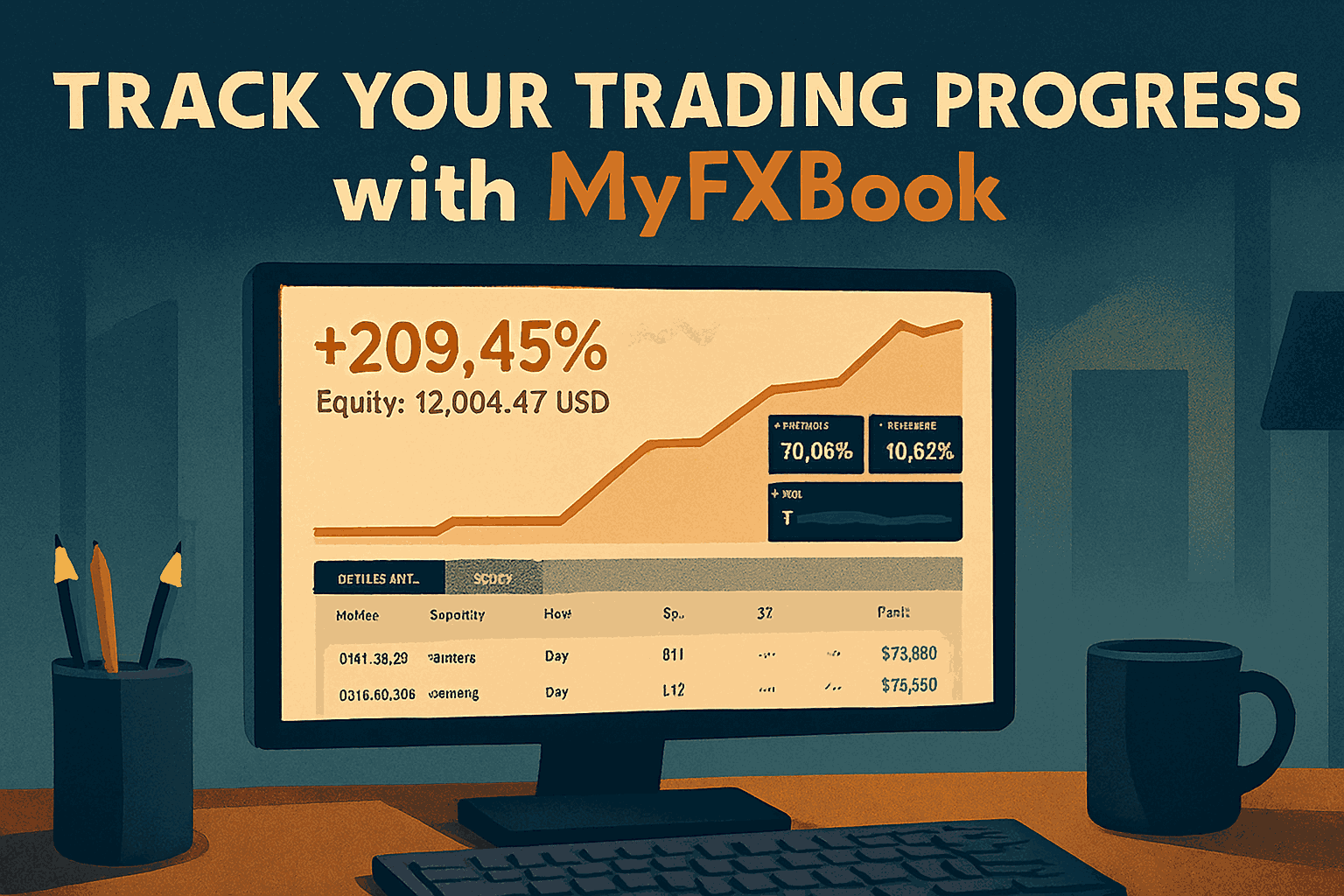
Tracking trading performance is crucial for long-term success in forex. MyFXBook has emerged as one of the most reliable platforms for monitoring trades, analyzing strategies, and understanding performance metrics. By leveraging its tools, traders can gain actionable insights, refine their approach, and maintain discipline. This article explores how to effectively use MyFXBook to track and improve your trading progress.
Step 1: Setting Up a Verified Account

The first step in using MyFXBook for tracking progress is setting up a verified account. Verification ensures that the trading data displayed is accurate and trustworthy.
Key points for setup:
- Link Your Broker Account: Connect your live or demo trading account to MyFXBook using API credentials or account statements.
- Enable Real-Time Tracking: This allows trades, balance updates, and equity changes to reflect instantly on your dashboard.
- Secure Your Data: Use strong passwords and two-factor authentication to protect your trading information.
Once set up, you can start monitoring all essential trading metrics from a single platform.
Step 2: Understanding Key Performance Metrics
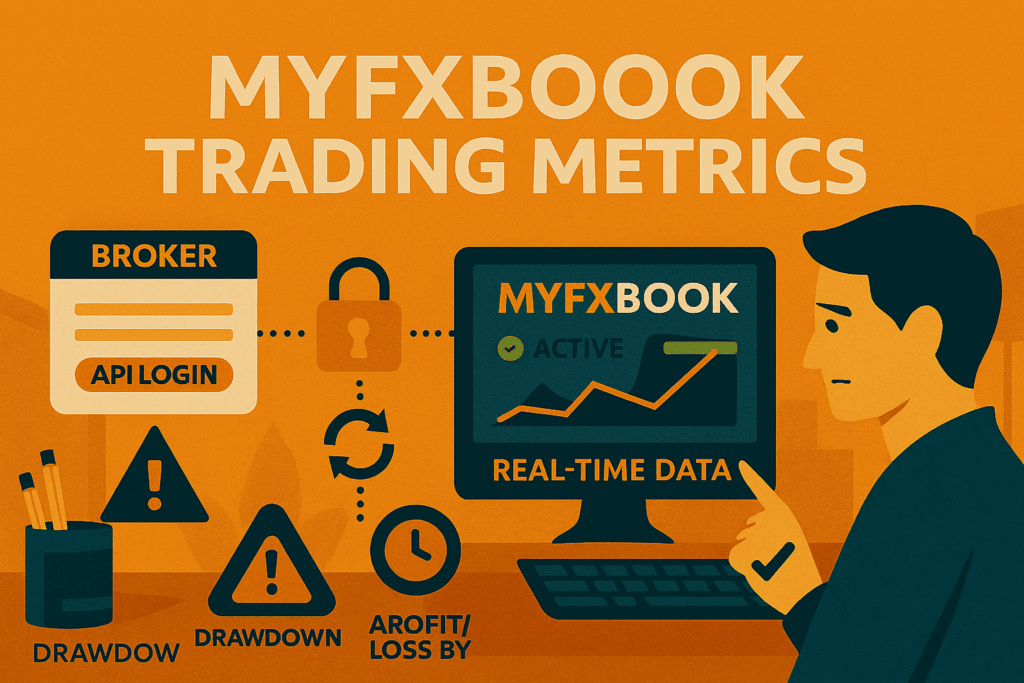
MyFXBook provides a comprehensive range of metrics that traders should focus on:
- Equity Growth: Tracks account growth over time, helping traders visualize long-term performance.
- Drawdown: Measures the largest peak-to-trough decline, providing insight into risk management efficiency.
- Win Rate: Percentage of profitable trades compared to total trades, helping assess strategy effectiveness.
- Average Trade Duration: Shows how long positions are held, which is useful for evaluating trading style.
- Profit/Loss by Instrument: Displays performance by currency pair or asset, highlighting strengths and weaknesses.
By understanding these metrics, traders can pinpoint areas for improvement and reinforce successful habits.
Step 3: Analyzing Trade History
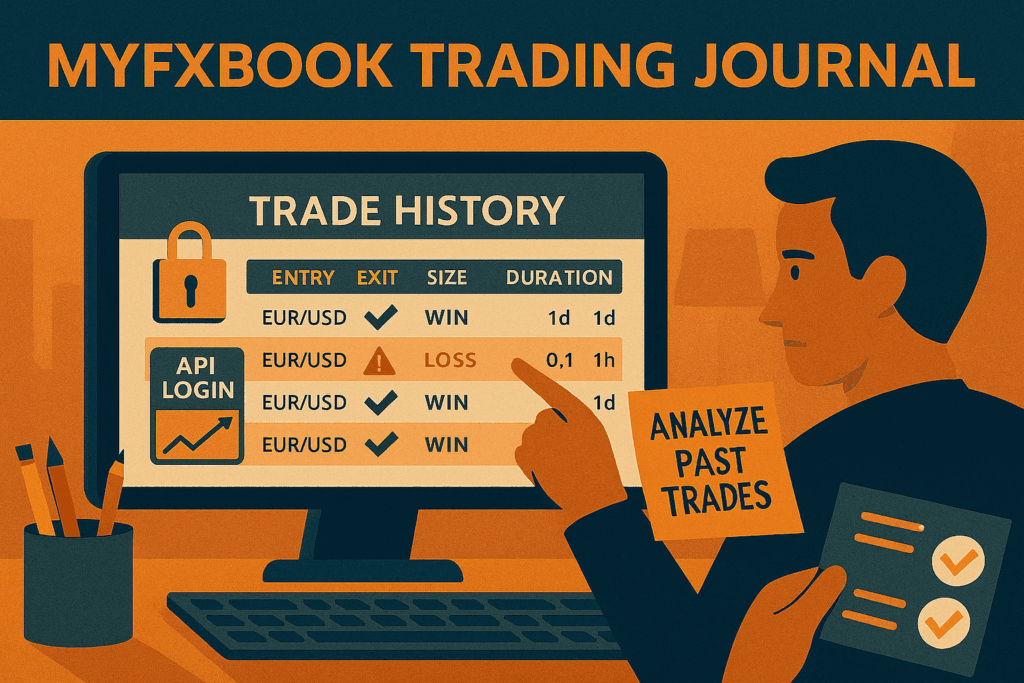
The trade history section of MyFXBook is a powerful tool for learning and improvement. Traders can:
- Review Entries and Exits: Identify patterns in timing and execution that led to successful trades.
- Evaluate Strategy Performance: Determine which strategies consistently yield positive results.
- Spot Mistakes: Learn from trades that resulted in losses, analyzing what went wrong and how to avoid similar errors.
Regularly reviewing trade history ensures that lessons from past trades are integrated into future decision-making.
Step 4: Using Charts and Graphs
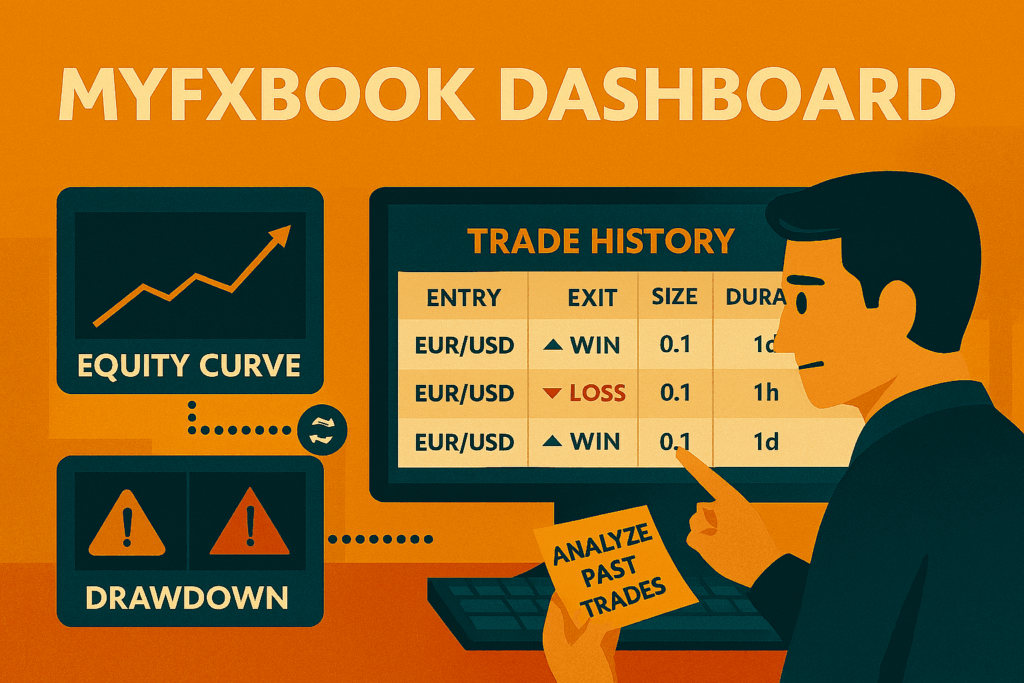
Visual representation of data makes it easier to identify trends and patterns. MyFXBook provides:
- Equity Curves: Graphs that track account growth over time.
- Drawdown Graphs: Visualize the periods of loss to understand risk exposure.
- Profit Distribution Charts: Show which trades, instruments, or timeframes contributed most to overall results.
Charts and graphs simplify analysis, allowing traders to make data-driven adjustments efficiently.
Step 5: Leveraging Alerts and Reports
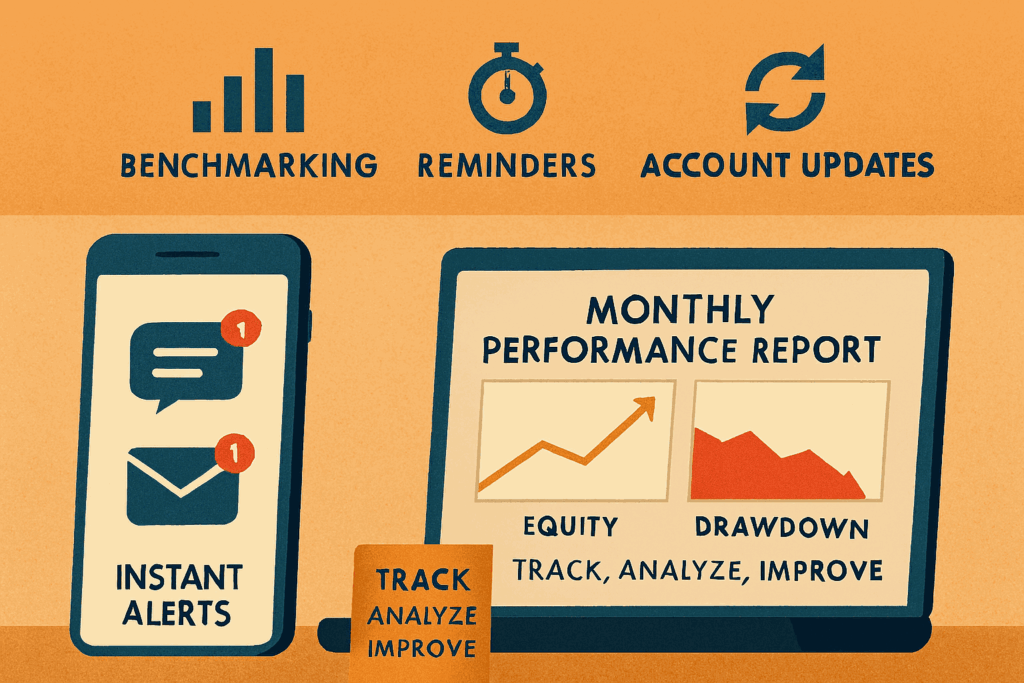
MyFXBook offers alerts and automated reports that help traders stay on top of performance:
- Email and Push Notifications: Receive updates on account balance, equity changes, or trade execution.
- Monthly Performance Reports: Summarize profits, losses, and other key metrics for review.
- Comparisons and Benchmarks: Compare your performance against similar traders to gauge progress.
Using alerts and reports keeps traders disciplined and aware of their ongoing performance.
Final Thoughts
MyFXBook is more than just a tracking tool; it is a learning and improvement platform. By setting up a verified account, monitoring key metrics, analyzing trade history, leveraging charts, and using alerts, traders can maintain transparency and continuously refine their strategies.
Consistent performance tracking enables traders to make informed decisions, control risk effectively, and steadily enhance profitability. The key to long-term trading success lies in understanding one’s performance and adapting strategies based on verified, real-time insights and MyFXBook makes this process practical and actionable.